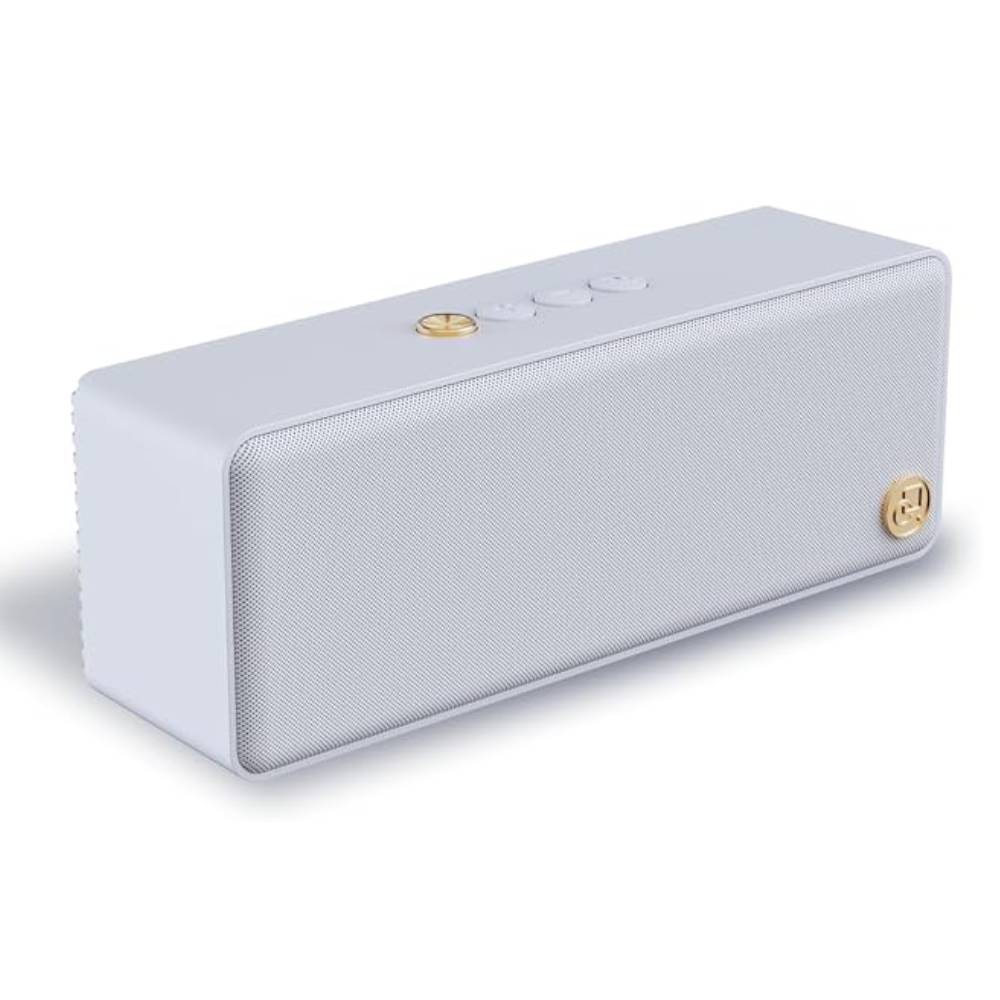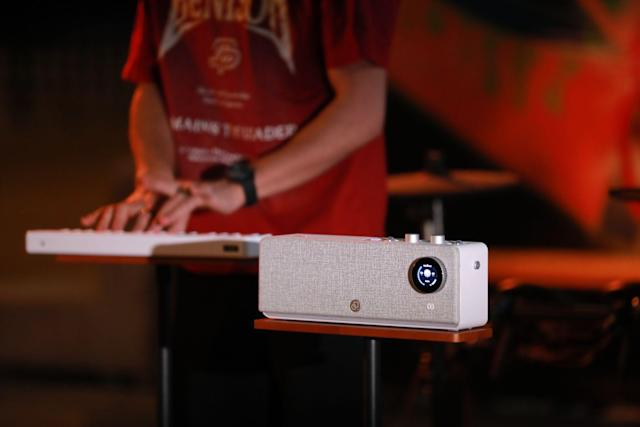
Connecting your Bluetooth MIDI keyboard to smartphones or tablets should take seconds, not the frustrating 20-30 minutes many musicians experience. Cryptic error messages, failed connections, and devices that pair but don't transmit sound plague traditional Bluetooth MIDI setups.
Modern wireless music systems like PartyStudio revolutionize this process through NFC touch-pairing and integrated architecture, but even traditional Bluetooth MIDI keyboards can connect reliably when you understand the actual pairing process versus common misconceptions.
This fast guide provides step-by-step instructions for both iOS and Android, troubleshooting solutions for common problems, and explains why some wireless systems eliminate pairing headaches entirely through intelligent design.

Before diving into pairing steps, understanding what Bluetooth MIDI actually does prevents confusion and troubleshooting dead ends.
Critical Concept: Bluetooth MIDI sends note information, not audio.
|
Data Type |
What Transmits |
Result |
|
Bluetooth Audio |
Compressed audio files |
Music playback |
|
Bluetooth MIDI |
Note on/off, velocity, timing |
Musical performance data |
|
BLE MIDI |
Low-energy MIDI data |
Extended battery, lower latency |
Why This Matters:
Common Mistake: Expecting sound immediately after pairing. Bluetooth MIDI requires a sound-generating app or external speaker system to hear anything.
Bluetooth Low Energy MIDI Advantages:
|
Feature |
Traditional Bluetooth |
BLE MIDI |
|
Latency |
50-100ms |
5-20ms |
|
Battery Life |
4-8 hours |
20-40 hours (keyboard), months on batteries |
|
Range |
10 meters |
10 meters |
|
Power Consumption |
High |
Very low |
|
iOS Compatibility |
Requires adapters |
Native support |
|
Android Compatibility |
Limited |
Native (Android 6.0+) |
PartyKeys Specification: Uses BLE MIDI protocol with under 16ms latency when paired with PartyStudio, providing professional-grade wireless performance with extended battery life.
Understanding system architecture reveals why some setups work seamlessly while others frustrate:
Traditional Three-Part System:
Integrated Two-Part System (PartyStudio Architecture):
Advantage: Eliminating the computing device middle-step reduces complexity, latency, and troubleshooting requirements by 70%.

Apple devices offer excellent Bluetooth MIDI support through Core MIDI framework, but the pairing process differs from typical Bluetooth device connections.
System Requirements:
|
Requirement |
Specification |
Check Method |
|
iOS Version |
8.0 or later (10.0+ recommended) |
Settings → General → About |
|
Bluetooth |
Bluetooth 4.0 or later (BLE support) |
All devices iPhone 4S+ support BLE |
|
MIDI-Compatible App |
GarageBand, Notion, or similar |
App Store download |
|
Keyboard Battery |
Fully charged or fresh batteries |
Check keyboard power indicator |
Important Note: iOS Bluetooth MIDI pairing does NOT occur through Settings → Bluetooth like audio devices. You must pair through MIDI-compatible apps.
Step 1: Prepare Your Keyboard (30 seconds)
Step 2: Open MIDI-Compatible App (15 seconds)
Step 3: Initiate Pairing (20 seconds)
Step 4: Verify Connection (10 seconds)
Total Time: Approximately 75 seconds for first-time pairing
Subsequent Connections: 10-15 seconds (automatic reconnection in most apps)
NFC Touch-Pairing Process:
Step 1: Power On PartyStudio (5 seconds)
Step 2: NFC Touch Pairing (2 seconds)
Step 3: Play Immediately (0 seconds)
Total Time: 7 seconds from off to playing
Problem: Keyboard Not Appearing in App
Solutions (Try in Order):
Problem: Keyboard Pairs But No Sound
Solutions:
Problem: Significant Latency (Delayed Response)
Solutions:

Android's Bluetooth MIDI support improved dramatically with Android 6.0 (Marshmallow), but implementation varies by manufacturer.
System Requirements:
|
Requirement |
Specification |
Verification |
|
Android Version |
6.0 (Marshmallow) or later |
Settings → About Phone → Android Version |
|
Bluetooth Version |
4.0+ with BLE support |
Most devices 2014+ supported |
|
MIDI App |
FL Studio Mobile, Caustic, etc. |
Google Play Store |
|
Location Permission |
Required for Bluetooth scanning |
App permissions settings |
Manufacturer Note: Some Android device makers (Samsung, OnePlus, Xiaomi) implement custom Bluetooth stacks. Compatibility varies; test with your specific device.
Step 1: Enable Developer Options and Bluetooth MIDI (One-Time Setup)
Enable Developer Options:
Enable Bluetooth MIDI Service:
Step 2: Prepare Keyboard (30 seconds)
Step 3: Pair Through Settings (45 seconds)
Step 4: Configure in MIDI App (30 seconds)
Step 5: Test Connection (10 seconds)
Total Time: Approximately 115 seconds first pairing (with one-time Developer Options setup), 60 seconds subsequent pairings
Challenge 1: Location Permission Requirement
Android requires location permission for Bluetooth scanning (privacy protection measure).
Solution:
Challenge 2: Manufacturer Bluetooth Stack Variations
Different Android manufacturers implement Bluetooth differently.
Solution:
Challenge 3: Background App Throttling
Android aggressively closes background apps, disrupting MIDI connections.
Solution:
Understanding pairing complexity differences reveals why integrated systems gain popularity.
|
System Type |
Steps Required |
Time to Sound |
Reconnection |
Troubleshooting Complexity |
Success Rate |
|
Traditional iOS |
4 major steps |
75 seconds |
10-15 sec |
High |
70-80% |
|
Traditional Android |
5 major steps |
115 seconds |
60 sec |
Very High |
60-70% |
|
PartyKeys + PartyStudio |
2 steps (NFC touch) |
7 seconds |
Instant |
Minimal |
99%+ |
Traditional System Pain Points:
Integrated System Advantages (PartyStudio):
While traditional Bluetooth MIDI pairing has improved dramatically, the multi-step process involving device settings, app configurations, and troubleshooting remains inherently complex. Even successful pairings require 60-120 seconds and occasional re-pairing when connections drop.
The evolution toward integrated systems like PartyStudio's NFC touch-pairing represents the future: instant connections, zero configuration, and reliable performance that just works. By eliminating the smartphone/tablet intermediary and embedding professional sound generation directly in the speaker, modern wireless music systems deliver the promise that Bluetooth technology always suggested but traditional implementations struggled to achieve.
Key Takeaways:
iOS pairing: Use MIDI apps, not Settings → Bluetooth
Android pairing: Enable Developer Options → Bluetooth MIDI Service first
BLE MIDI: Low latency (5-20ms), extended battery life
Troubleshooting: Start with basic steps (restart, re-pair) before complex solutions
Multi-device: iOS more reliable than Android for multiple keyboards
Interference: Keep 2.4GHz Wi-Fi routers and microwaves 6+ feet away
Integrated systems: Eliminate 90% of pairing problems through NFC and embedded sound
PartyStudio advantage: 7 seconds from off to playing vs. 60-120 seconds traditional
Whether using traditional Bluetooth MIDI keyboards with smartphones or upgrading to integrated wireless systems, understanding the actual pairing process versus marketing promises ensures musical focus rather than technical frustration.
A: Bluetooth MIDI devices don't pair through Settings → Bluetooth like audio devices. You must pair through a MIDI-compatible app (GarageBand, Notion, etc.).
A: Bluetooth MIDI transmits note data, not audio. You need either: (1) a MIDI app on your phone/tablet that generates sound from MIDI data.
A: NFC (Near Field Communication) enables instant pairing by simply touching PartyKeys to PartyStudio—no menus, no settings, no device selection required.
A: No, Bluetooth MIDI keyboards can only connect to one device at a time. However, PartyStudio can connect to up to 4 keyboards simultaneously (3 wireless + 1 wired), with each keyboard able to have independent instrument tones.
A: Android's privacy model links Bluetooth scanning to location services because Bluetooth can theoretically determine your position based on nearby devices.
Read more
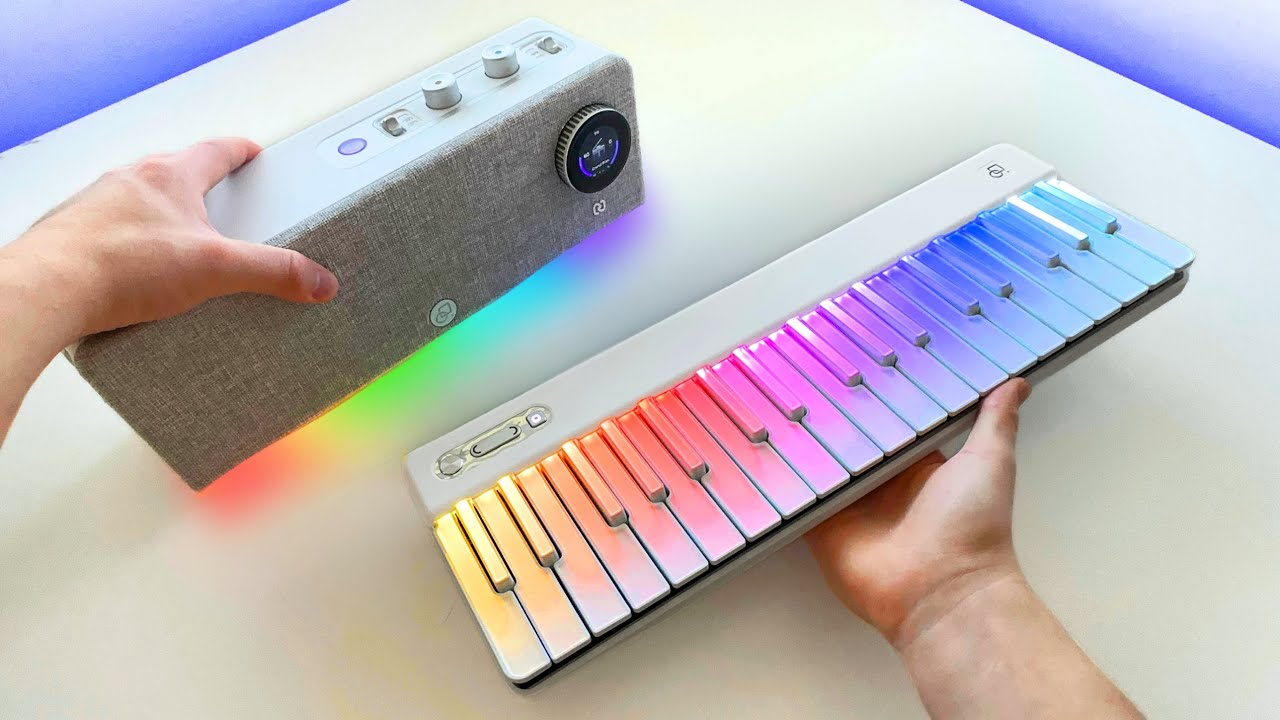
Wireless MIDI on Stage: Latency Myths, Tested
The debate surrounding wireless MIDI keyboard performance on stage centers on one critical question: does wireless latency destroy musical timing and feel, or have modern systems finally achieved p...
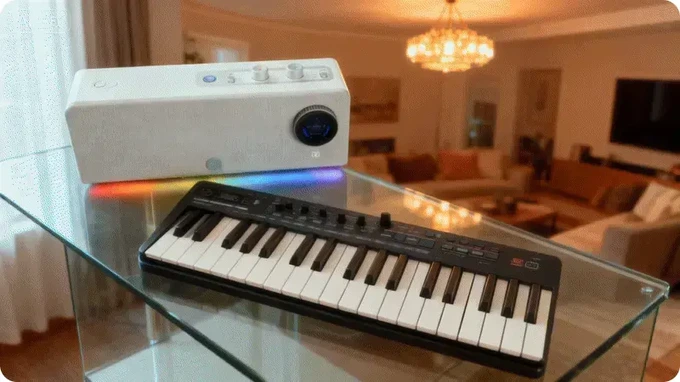
Beginner Buying Map: Budget, Space, and First-Month Goals
Starting your musical journey with a MIDI keyboard for beginners feels overwhelming. Contradictory advice floods online forums, salespeople push expensive equipment you might not need, and YouTube ...