Starting your musical journey with a MIDI keyboard for beginners feels overwhelming. Contradictory advice floods online forums, salespeople push expensive equipment you might not need, and YouTube videos showcase elaborate setups requiring thousands of dollars and dedicated studio spaces.
The reality? Most beginners need far less equipment than commonly recommended, but they need the right equipment configured for success. Your first purchase should match three critical factors: realistic budget, available space, and achievable first-month goals.
This practical buying map cuts through confusion, providing decision frameworks based on your actual circumstances rather than idealized scenarios. Whether you're exploring music casually or beginning serious study, understanding how budget, space, and goals interact helps you invest wisely from day one.

Budget discussions often focus solely on initial purchase costs while ignoring ongoing expenses that derail beginners within months.
Traditional Keyboard Setup Costs:
|
Item Category |
Budget Option |
Mid-Range Option |
Premium Option |
|
MIDI Keyboard |
$100-200 |
$200-400 |
$400-800 |
|
Computer (if needed) |
$300-500 |
$500-1000 |
$1000-2000 |
|
Audio Interface |
$80-150 |
$150-300 |
$300-600 |
|
Software/Plugins |
$0-100 (free/basic) |
$100-400 |
$400-1000+ |
|
Speakers/Monitors |
$100-250 |
$250-500 |
$500-1000 |
|
Cables & Accessories |
$30-60 |
$60-100 |
$100-200 |
|
Headphones |
$50-100 |
$100-200 |
$200-400 |
|
Stand & Bench |
$50-100 |
$100-200 |
$200-400 |
|
First Year Total |
$710-1,460 |
$1,460-3,100 |
$3,100-7,400 |
|
Ongoing Costs (annual) |
$50-100 |
$100-300 |
$300-800 |
Integrated System Approach (PartyStudio Ecosystem):
|
Item Category |
Cost |
What's Included |
|
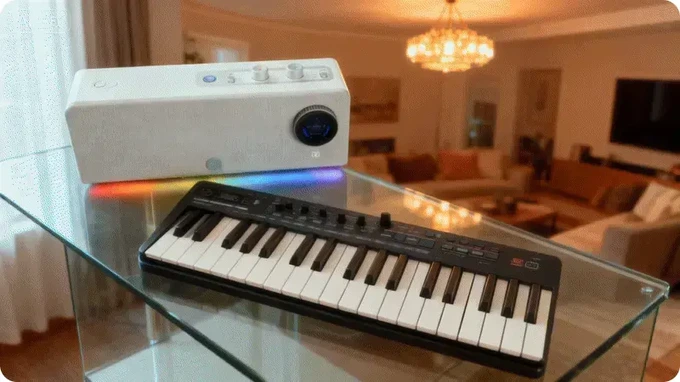
PartyKeys Keyboard |
Initial investment |
36-key illuminated keyboard, LED guide, NFC pairing |
|
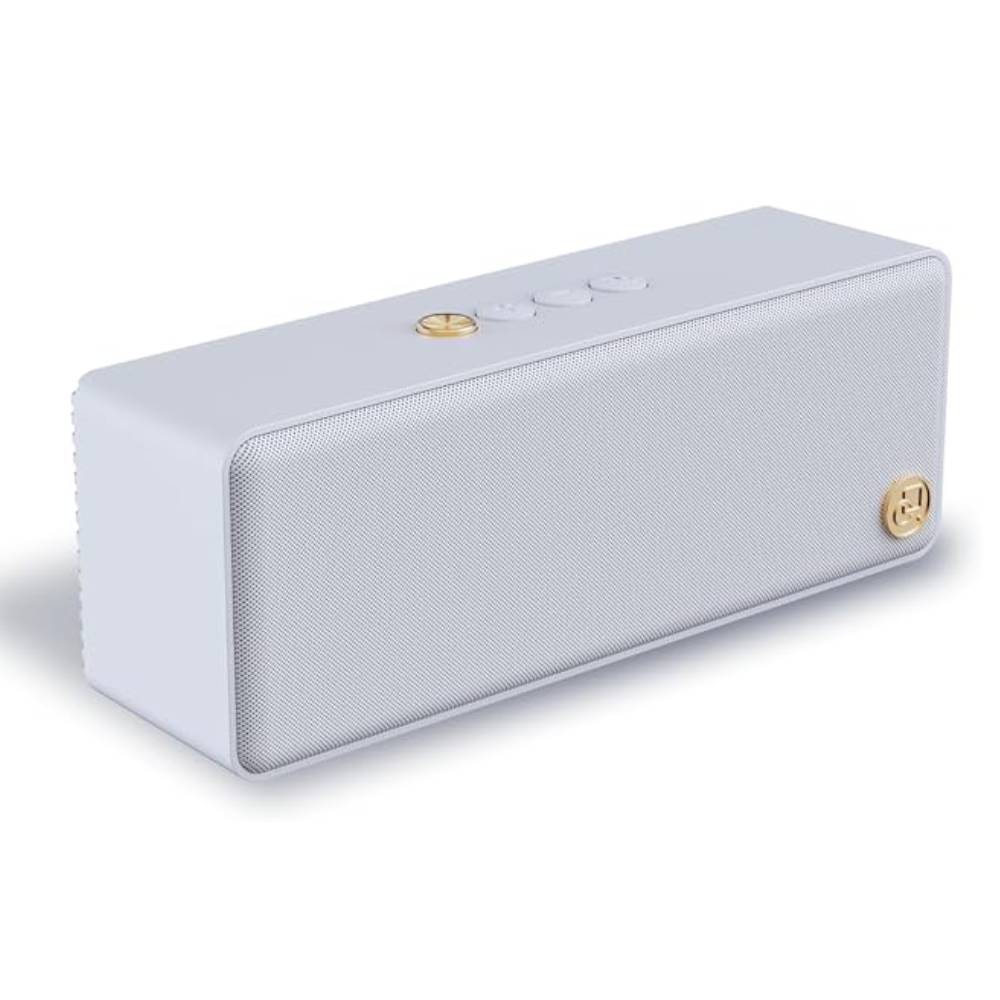
PartyStudio Speaker |
Initial investment |
70W speaker, 128 tones, drum machine, 8-hour battery |
|
Accessories |
Included |
USB-C cable, hand strap, leather carrying strap |
|
Software |
$0 (free app) |
Learning app, tone selection, no subscription |
|
Computer |
$0 (optional) |
Works standalone, computer optional |
|
Audio Interface |
$0 (integrated) |
Built-in sound chip handles everything |
|
Cables |
$0 (wireless) |
BLE MIDI wireless connection |
|
First Year Total |
Complete system |
Everything needed to start |
|
Ongoing Costs (annual) |
$0 |
No subscriptions, free OTA updates |
Traditional Setup Hidden Expenses:
Integrated System Advantages:
For $500 Total Budget:
For $800 Total Budget:
For $1,200 Total Budget:
Available space dramatically impacts which equipment configurations work versus which create constant frustration.
|
Setup Type |
Minimum Space |
Ideal Space |
Mobility |
Setup Time |
Teardown Required |
|
Traditional Desktop |
4×2 feet |
6×3 feet |
None |
30-60 min |
Yes (if sharing space) |
|
Laptop + Keyboard |
3×2 feet |
4×2 feet |
Limited |
15-30 min |
Usually |
|
Integrated Wireless |
2×2 feet |
Flexible |
Complete |
Under 60 sec |
Optional |
Scenario 1: Dedicated Music Room
Available Space: 10×10 feet or larger, permanent setup possible
Traditional Setup Works Well:
Integrated System Also Excellent:
Scenario 2: Shared Living Space (Apartment/Bedroom)
Available Space: Must share with other activities, daily teardown likely
Traditional Setup Challenges:
Integrated System Excels:
Scenario 3: Minimal Space (Dorm/Studio Apartment)
Available Space: Under 100 square feet total living area
Traditional Setup Impractical:
Integrated System Purpose-Built:
PartyStudio Wireless Advantages for Small Spaces:
Flexible Positioning Options:
Space Optimization Techniques:

Use this framework to match your specific situation with appropriate equipment.
Budget Category:
Space Category:
Goal Category:

After assessing budget, space, and goals, evaluate options systematically.
Equipment Must Satisfy ALL Three Criteria:
✓ Budget Fit:
✓ Space Reality:
✓ Goal Alignment:
Why Beginners Choose PartyStudio Ecosystem:
|
Feature |
Beginner Benefit |
|
36 Keys (PartyKeys) |
Perfect for learning without overwhelming |
|
LED Light Guide |
Visual feedback accelerates note learning |
|
NFC Touch Pairing |
No technical setup frustration |
|
128 Instrument Tones |
Explore sounds, find motivating tones |
|
50+ Drum Patterns |
Built-in rhythm practice, no additional cost |
|
15-Second Setup |
Encourages daily consistency |
|
8-Hour Battery |
Practice anywhere, anytime |
|
Free Learning App |
Structured lessons, no subscription |
|
Wireless 10m Range |
Comfortable practice positioning |
|
Under 16ms Latency |
Responsive feel for technique development |
|
Expandable System |
Add PartyKeys units as skills grow |
|
No Computer Required |
Eliminates technical troubleshooting |
Your first MIDI keyboard purchase shapes your entire musical journey. Equipment matching your budget, space, and first-month goals creates sustainable practice habits leading to long-term success. Mismatched equipment—regardless of quality or features—creates frustration and abandonment.
The PartyStudio ecosystem for beginners demonstrates purpose-built design focused on first-year success factors: immediate playability, engaging practice tools, portable flexibility, and zero technical barriers. Rather than adapting professional equipment for beginners, it creates from scratch what beginners actually need.
Whether choosing PartyStudio or alternatives, apply this buying map's framework: honest budget assessment including hidden costs, realistic space measurement including setup time, and specific first-month goals rather than long-term aspirations.
Equipment decisions made with clear criteria rather than aspirational thinking create foundations for musical development instead of expensive obstacles blocking progress.
A: 36 keys covers 90% of beginner material for the first 6-12 months. Most beginner pieces span only 2-3 octaves.
A: No, not initially. Weighted keys can feel stiff and discouraging to absolute beginners building finger strength.
A: Get both together as an integrated system. Keyboards alone produce no sound—you'll still need audio output.
A: Budget between reasonable minimum and practical maximum. Minimum functional setup: around investment for complete integrated system (keyboard + speaker + accessories).
A: You can absolutely learn without a computer using integrated systems like PartyStudio. The embedded sound chip (128 tones), built-in drum machine (50+ patterns), and free mobile app provide complete learning tools.
Read more
Pairing a Bluetooth MIDI Keyboard with iOS/Android (Fast Guide)
Connecting your Bluetooth MIDI keyboard to smartphones or tablets should take seconds, not the frustrating 20-30 minutes many musicians experience. Cryptic error messages, failed connections, and d...

Headphones or Speakers for Learning? Pick by Scenario
When learning to play keyboard or creating music, one of the most critical decisions is choosing between headphones and speakers for monitoring. This choice significantly impacts your practice qual...