Choosing between a smart keyboard vs digital piano comes down to how you’ll actually use the instrument—today and six months from now. Do you want a realistic piano feel for technique and classical pieces, or a portable, app-guided setup that helps you learn fast, record ideas, and play quietly with headphones?
This guide breaks the decision into plain-English questions: sound and feel, learning curve, portability, recording, price, and long-term growth. By the end, you’ll know which path fits your routine—and how to avoid paying for features you won’t touch.
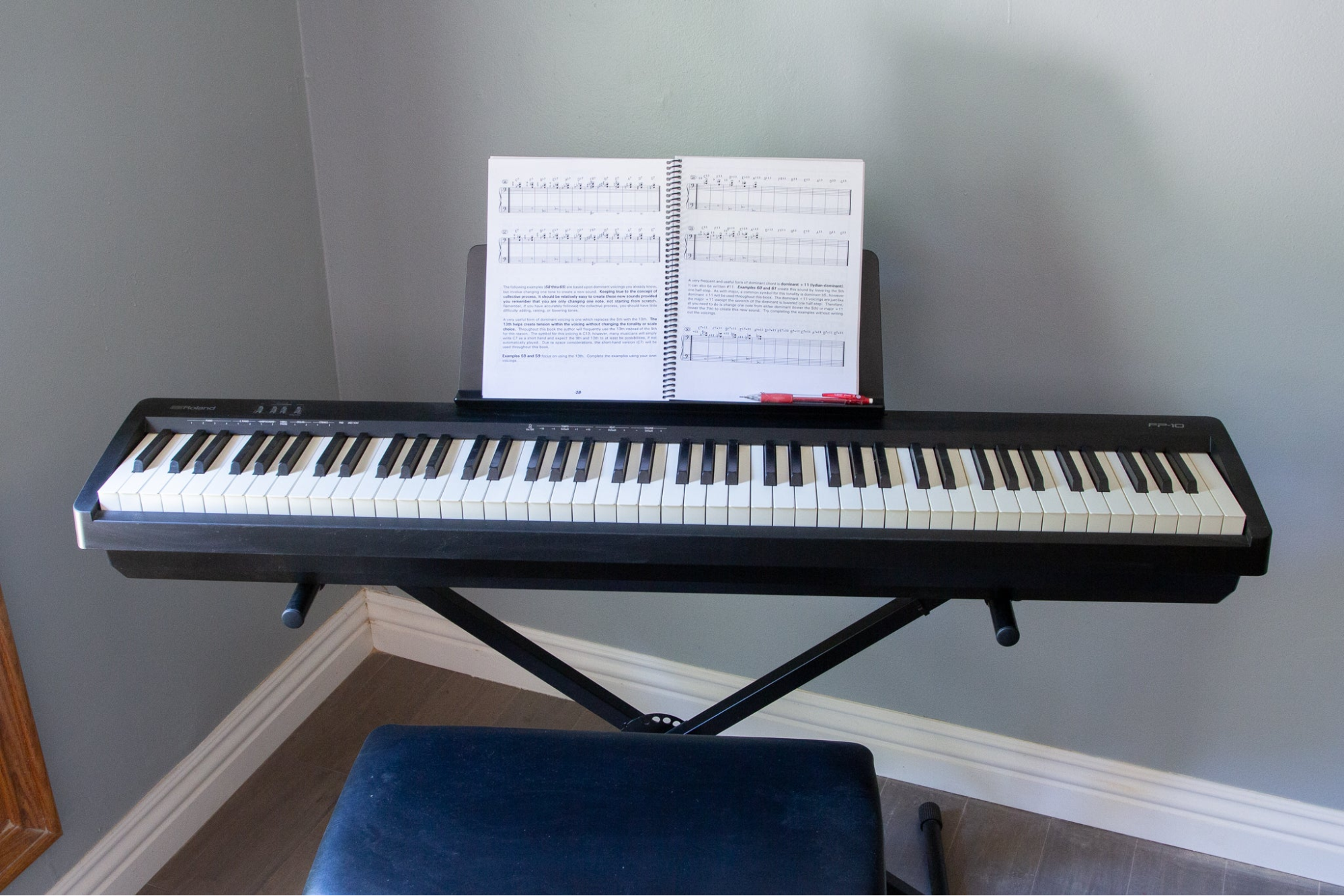
A digital piano aims to feel and sound like an acoustic instrument. The keybed is usually 88 keys with hammer-action (weighted) mechanics, larger speakers, and a cabinet or stand that parks in one place. It’s built for technique realism, graded repertoire, and traditional piano playing.
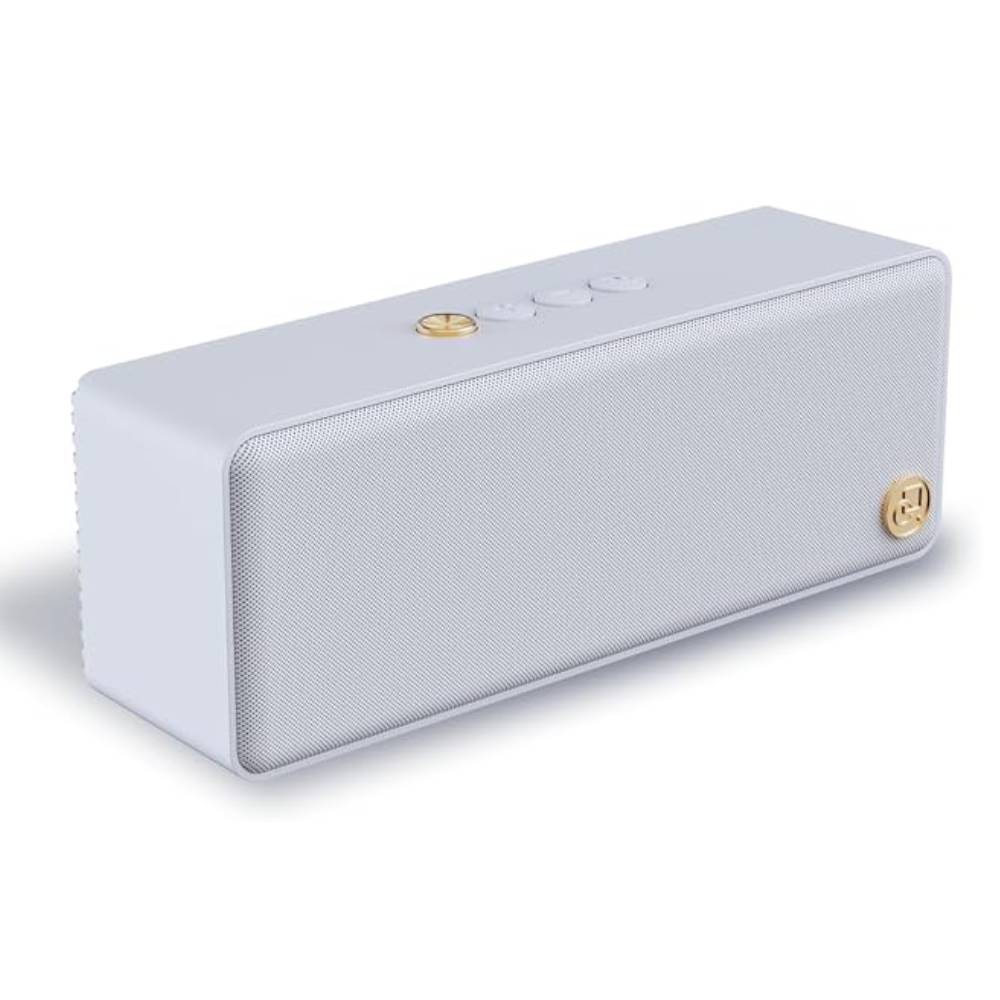
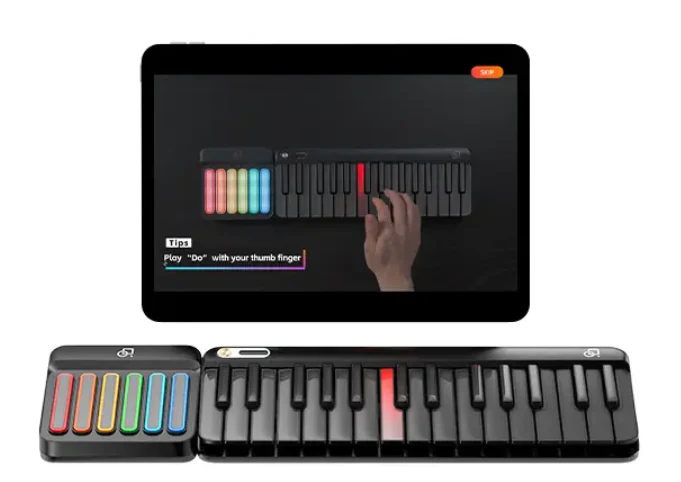
A smart keyboard is a portable electronic keyboard that layers on learning features (LED follow-lights, built-in lessons, app integration), MIDI over USB/Bluetooth, and often modular expansion so you can start compact and add range later. It’s built for fast wins, quiet practice, and easy recording.

If your goal is developing classical technique or you crave the weight and rebound of an acoustic, a digital piano’s hammer action is hard to beat. The resistance builds finger strength and dynamic control. Many models also include simulated escapement and graded weighting from bass to treble.
Smart keyboards usually use lighter actions (synth or semi-weighted). That’s a feature, not a flaw, when your priorities are portability, quiet practice, quick song learning, or MIDI production. Lighter keys make long sessions easy on the wrists and speed up repetitive practice loops.
Rule of thumb:

This is where a smart keyboard quietly wins for many beginners. LED follow-lights and “wait-for-note” practice modes reduce the “where do my fingers go?” friction. The app shows what to play, the keys light up, and you loop a bar until it clicks. That momentum builds habit, and habit builds skill.
Digital pianos can pair with learning apps too, but without visual guidance on the keys you’ll rely more on notation or on-screen cues. If you love reading music or have a teacher, that’s fine. If you’re self-starting, a smart keyboard’s song-first path is often the difference between “I meant to practice” and “I did.”
A digital piano is furniture-scale. It looks great in a living room or dedicated studio but rarely moves. If your life is stable and you have a quiet corner, perfect. A smart keyboard is desk-friendly and travel-ready. It slips into a bag, lives next to a laptop, and turns any table into a practice spot.
If you’re in a dorm, shared apartment, or you like to play in different rooms, portability equals more practice. Many smart models are modular: start compact, add an expansion for two-hand range later. That upgrade path keeps the footprint small until your pieces demand more keys.
Both instruments can send MIDI to a computer or tablet, but smart keyboards are designed for this life. USB-MIDI gives tight timing in Logic, Ableton, FL, or GarageBand; Bluetooth MIDI handles couch sketches. Because the keyboard is already on your desk, you’ll actually record.
Many players keep a smart board plugged in 24/7 with a template project (piano, EP, pad, drums) ready to capture ideas in seconds. Digital pianos can record beautifully too, especially if they include USB audio or high-quality line outs. But the size and placement may mean your DAW lives in another room. The more cables and moving you need, the less often you’ll hit Record.

Both paths support headphones. But a smart keyboard is lighter in touch and usually quieter mechanically, which matters late at night. If the choice is “practice quietly at 11 p.m.” or “skip practice,” the portable board wins. A metronome in the app keeps time without an external unit, and some models flash the beat as well as click, which is great for soft playing.
Digital pianos with great actions cost more—and are worth it if realism is your #1 goal. If you’ll use it daily for technique, it’s a sound investment.
Smart keyboards tend to be more affordable upfront, especially if you begin with a compact layout and add range later. For many families and adult beginners, “start small, expand when needed” is budget-smart and space-smart. You reduce risk now and fund upgrades only when your music asks for them.
Digital piano growth is linear: you buy once. If later you want different action or sounds, you often replace the instrument or add software pianos in a DAW.
Smart keyboards often offer modular growth—an expansion for more keys, a chord/pad surface for one-tap harmonies, deeper app courses, and firmware updates. You keep the core instrument you already know and just extend it.
If you’re not sure where your journey leads, modularity is a safe bet.
Absolute beginner, no teacher, little space
Choose smart keyboard. LED guidance, short lessons, and headphones make daily practice realistic. Start compact; expand later.
Teen with a motivated practice plan + in-person lessons
If the budget allows and space is stable, a digital piano’s hammer action helps with technique. If space is tight, begin on a smart keyboard and add weighted later for exam years.
Adult hobbyist who wants to learn songs and make covers
Smart keyboard. DAW-ready, portable, and easy to pair with backing tracks. LED guidance gets you through intros and bridges quickly.
Aspirational classical player focused on touch and dynamics
Digital piano. The action will pay off every hour you put in. Consider keeping a small smart keyboard at the desk for quick MIDI ideas.
Family instrument for a shared living space
Either works. If you want a permanent “home piano” presence, a console digital piano looks and feels the part. If multiple people will practice in different rooms at different times, a portable smart keyboard wins on flexibility.

You’ll see searches for the one smart keyboard and similar names when comparing ecosystems. The pattern still applies: some “smart” options are console-style (home furniture vibe), others are truly portable. Decide first on lifestyle—stationary vs mobile—then compare features (LED guidance, app quality, MIDI connectivity, expansion path).
Plenty of musicians keep two keyboards:
If your budget spreads over time, start with the smart setup to build momentum and proof of use. Add weighted action when your repertoire and touch demand it.
Both can last years. Digital pianos are built like instruments; smart keyboards benefit from firmware/app updates and easy maintenance. Longevity comes down to build quality and care.
Not if you taper it. Use lights to map a passage, then switch them off for memory and musicality. Many players cycle lights on/off during the same session.
Yes for fundamentals (finger independence, rhythm, reading with app support). For advanced classical dynamics, weighted action helps—but you can start smart and add weighted later.
No. A compact range covers most beginner pieces. If your music needs more, add an expansion or step up when you’re ready.
If a stationary, realistic feel will make you sit down and practice daily, choose a digital piano and enjoy the touch. If portability, guided lights, quick song wins, and easy recording will get you to the keys more often, choose a smart keyboard. Consistent use beats perfect specs every time.
Read more

The 5 Best Digital Pianos & Keyboards Under $1000 in 2025
If you want the best portable keyboard piano in 2025 without spending more than $1000, you have great choices—whether you’re a total beginner, a traveler who needs a slim rig, or a creator who reco...
Best Inexpensive Keyboard Piano for Beginners (Homeschool Edition)
If you’re teaching music at home, the “best” instrument isn’t the biggest or most expensive—it’s the one your learner will actually play every day. This guide is built for parents, tutors, and adul...